
For the portfolio operator
From authoring specs to steering a portfolio
When a product manager becomes an operator running several products at once, the job changes. Agimon turns each product week of product, sales, and marketing evidence into typed focus, budget, and metric decisions that agents execute.
Part of the AI-native company operating system.
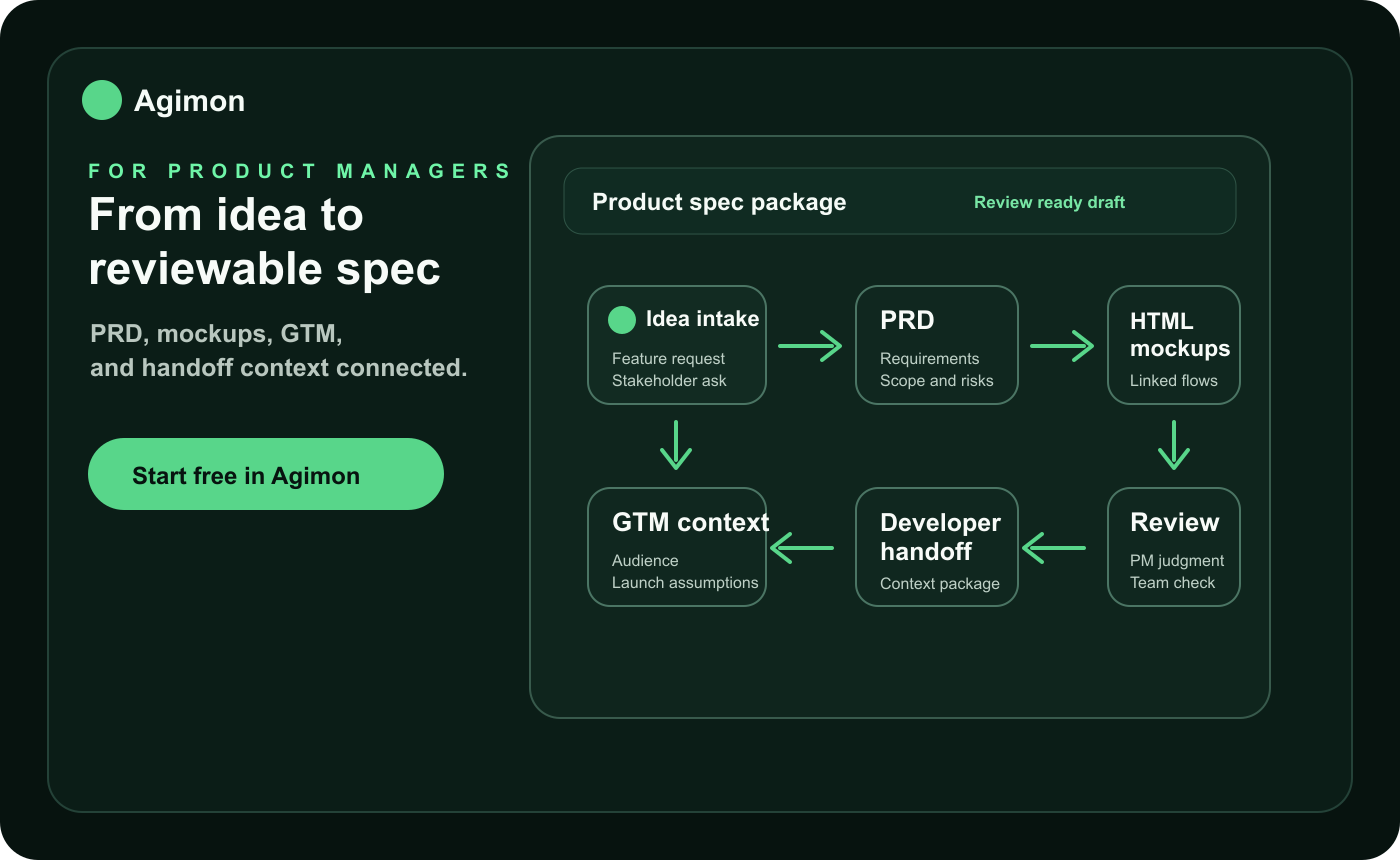
What the operator job actually needs
An operator running a portfolio does two things by design: plan and prioritize. Everything downstream is agent-executed. The useful tool is not one that writes more documents. It is one that shows the whole company this week and drives you to a decision.
Agimon is built for that seat. It does not make the call for you. It gives you the portfolio, the weekly evidence, and a recorded decision, so you can review, supersede, and keep steering.
Steering Breaks When the Reasoning Lives in Your Head
Most portfolios do not stall because nobody wrote a plan. They stall because focus and budget bounce between products by gut feel, and nobody can say why the last bet was made.
Authoring Eats the Week
The old job was writing the plan. The company now needs decisions, and hand-authoring reports leaves no time to steer what actually matters.
Evidence Outruns Attention
Product, sales, and marketing signals arrive faster than one operator can read, so calls get made on the loudest one, not the truest one.
Decisions Leave No Trail
A focus or budget call made in a meeting disappears. Nobody can say why the last bet was placed, or defend it a month later.
Move From Evidence to Applied Decision
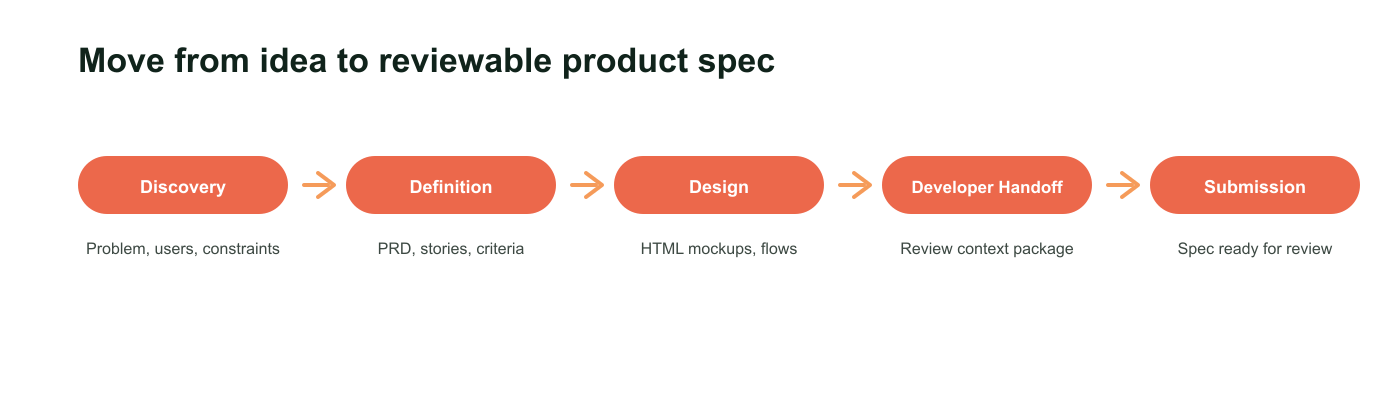
Agimon gives the operator a five-step weekly loop. Each step keeps the decision connected to the evidence it came from and the effect it applies.
1
Evidence
Agents record one immutable weekly snapshot per product across Product, Sales, and Marketing, with KPIs, trend, and gaps.
2
Portfolio review
See every product with stage, budget, posture, the latest three area signals, and freshness on one screen.
3
Recorded decisions
Agents record focus, budget, and metric calls from the week, so the operator reviews instead of authoring.
4
Review or supersede
You keep the calls you agree with and supersede the rest. Decisions are append-only, never edited.
5
Applied effect
Each decision applies a typed effect to live company state in one atomic, auditable transaction.
Steer From One Seat, Not a Stack of Docs
The operator outcome is a steered company, not a generated document. Keep the portfolio, the evidence, the decisions, and the ledger close enough that one screen answers where to focus next.
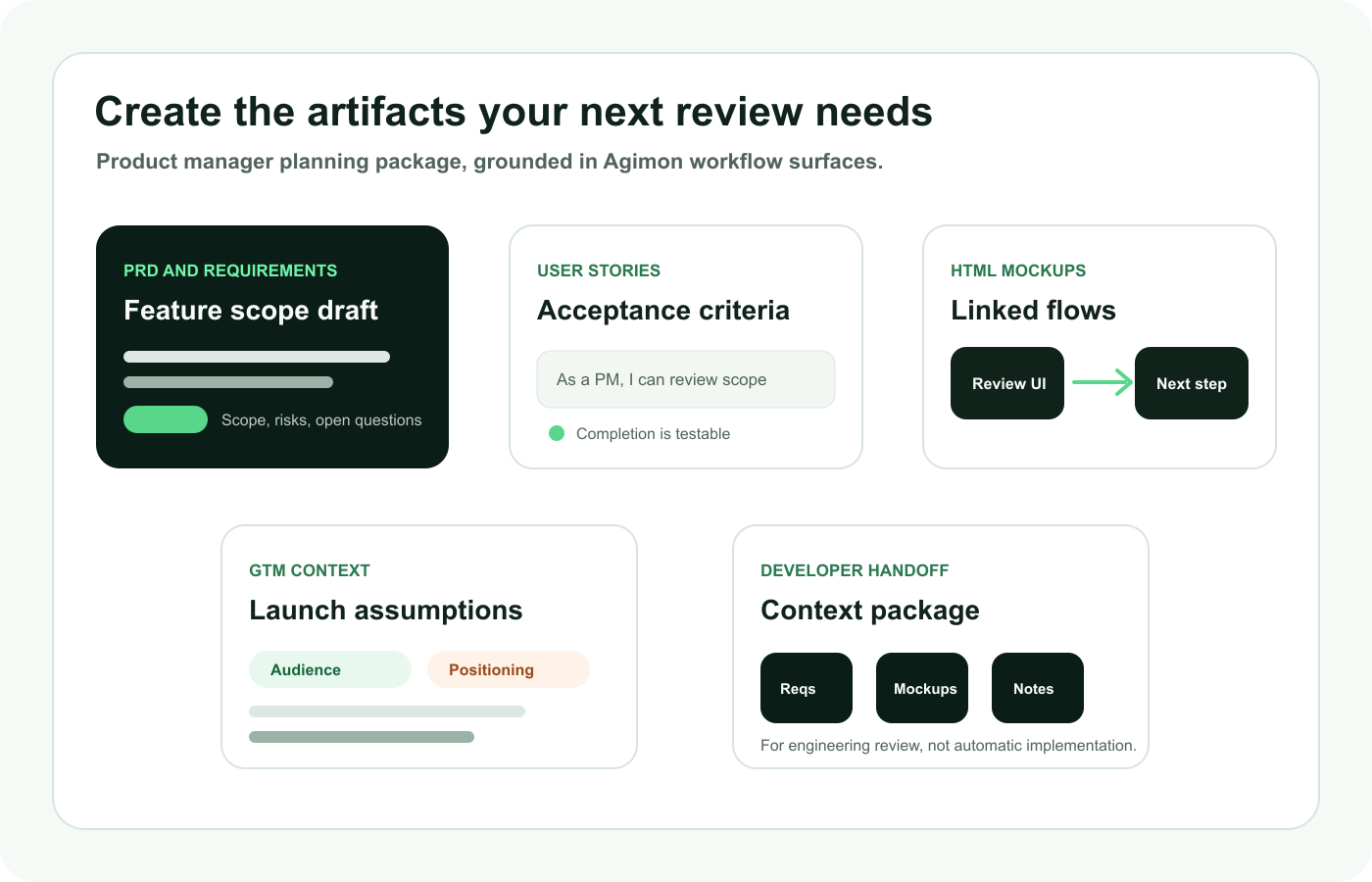
Portfolio Review
Every product with stage, budget, posture, latest three area signals, and freshness, so the whole company is one screen.
Portfolio steering for studiosWeekly Evidence
One immutable snapshot per product per week across Product, Sales, and Marketing, with KPIs, trend, and explicit gaps.
How the steering loop worksTyped Decisions
Each call is exactly one of focus, budget, or metric, with an atomic effect applied to live state.
Steering for foundersDecision Ledger
An append-only, supersedable record of every call, so the reasoning behind each bet survives instead of edits.
Why decisions are a ledgerMCP Surface
Portfolio and decision tools over MCP, so your agent runtime records evidence and records calls on your behalf.
Operate Agimon over MCPWhere Agimon Fits the Operator Week
Reach for Agimon whenever focus and budget have to move between products and you want the decision on the record.
Run the Monday Review
Open the portfolio, read every product week, and decide where attention goes before it slips away.
Reallocate When a Product Stalls
Cut budget on the stalled one and move it to momentum, on the record and reversible by supersede.
Raise a KPI That Matters
Set a metric decision on an area, so the target moves with the evidence, not with the last meeting.
Let Agents Record the Week
Agents record focus, budget, and metric calls from the evidence. You keep two and supersede one.
Keep Every Reason on File
The ledger holds why each bet was placed, so you can revisit or defend any past call at any time.
When Agimon Beats a Chat, a Dashboard, or a Roadmap Tool
Agimon is the steering layer above the whole portfolio. We position by contrast: these alternatives stay useful for their focused job, but none of them decides and applies a typed effect.
| Alternative | Good Fit | Limitation | Agimon Fit |
|---|---|---|---|
| Generic AI Chat | Flexible thinking, drafting, and research prompts. | The reasoning behind each company call scatters across chats with no record. | Keeps the portfolio and an auditable decision ledger in one seat. |
| Product-Strategy and Roadmap Tools | Authoring specs, roadmaps, and product artifacts. | They describe a product; they do not allocate focus and budget across many. | Steers the portfolio: which products get focus and budget this week. |
| BI and Analytics Dashboards | Reporting and visualizing metrics. | Dashboards report; they do not decide or apply an effect. | Turns evidence into a typed decision with an applied effect. |
| Agent Platforms | Building or running autonomous workers. | They sell the worker, not the seat the operator steers from. | Is the seat the operator steers and the controls agents act on. |
| Project or Task Managers | Planning and dispatching the work itself. | Task orchestration tracks tasks, not focus and budget across products. | Sits above the work, allocating focus and budget from outcomes. |
Agents Record the Calls. The Operator Still Decides.
Agimon moves planning from authoring to reviewing, but it does not replace the operator. You still own the judgment, the tradeoffs, and the final focus, budget, and metric decisions.
Agents Record, You Decide
Agents propose calls from the evidence, but the operator makes the decision. Steering stays human.
Supersede, Do Not Edit
Decisions are append-only. You supersede a call rather than rewrite it, so the history survives.
Evidence Is Not a Verdict
Weekly evidence sharpens the call, but demand, pricing, and feasibility still need your judgment.
You Own the Outcome
The value is not automatic certainty. It is a defensible focus, budget, or metric call, on the record.
Portfolio Operator FAQs
What does Agimon do for a product manager?
It moves the job from authoring to steering. Instead of writing plans, you review each product week and record typed focus, budget, and metric decisions that agents execute. Agimon is the operator seat, not a document tool.
What are typed decisions?
Every decision is exactly one of focus, budget, or metric. Focus sets a product posture, budget sets its monthly budget, and metric sets an area KPI. Each effect applies to live company state in the same atomic transaction.
Is Agimon a product-strategy or roadmap tool?
No. Product-strategy and roadmap tools help you author specs and roadmaps. Agimon does not author product artifacts. It steers a portfolio: which products get focus and budget, and what outcomes they owe this week.
How does Agimon use weekly evidence?
Agimon collects one immutable snapshot per product per week across Product, Sales, and Marketing, with KPIs, trend, and gaps. The portfolio view answers where to focus before any company call is made.
How do agents fit in?
Agents record the weekly evidence and record the decisions from it. The operator reviews and supersedes. Agimon exposes an MCP surface so agents can read the portfolio and the ledger and operate on your behalf.
Does AI replace the product manager?
No. Agimon changes the PM job from authoring to reviewing. Agents record the calls, but the operator still owns customer understanding, tradeoffs, and the final focus, budget, and metric decisions.
How is Agimon different from a BI dashboard?
Dashboards report. Agimon treats evidence as the input to a typed decision with an applied effect. Every screen drives toward a focus, budget, or metric call, not a chart to admire.
Can I change a past decision?
You supersede it rather than edit it. Decisions are append-only, so the earlier reasoning and the change both stay on the record.
Who should use Agimon?
The operator who crossed from running one product to running a portfolio, and now has to allocate focus and budget across several products at once through agents.
Steer the Next Week From One Seat
Use Agimon to move from reading scattered evidence to recording typed focus, budget, and metric decisions your agents execute, with the reasoning preserved in the ledger.
Part of the AI-native company operating system.